Have a Google review removed? The routes compared
Lawyer, removal agency or report it yourself? This comparison shows the process, duration and cost range of all three routes – and how you report non-compliant reviews to Google yourself with Sternehero, without a lawyer or an agency.
- 1 free credit to start
- No subscription required
- Purchased credits never expire
Reading time for the whole guide, with a quick answer for those in a hurry right in the first chapter.
General information. No legal advice and no assessment of individual reviews.
- 7 chapters
- 6 questions and answers
- Google decides
01Quick answer
Can you have a Google review removed?
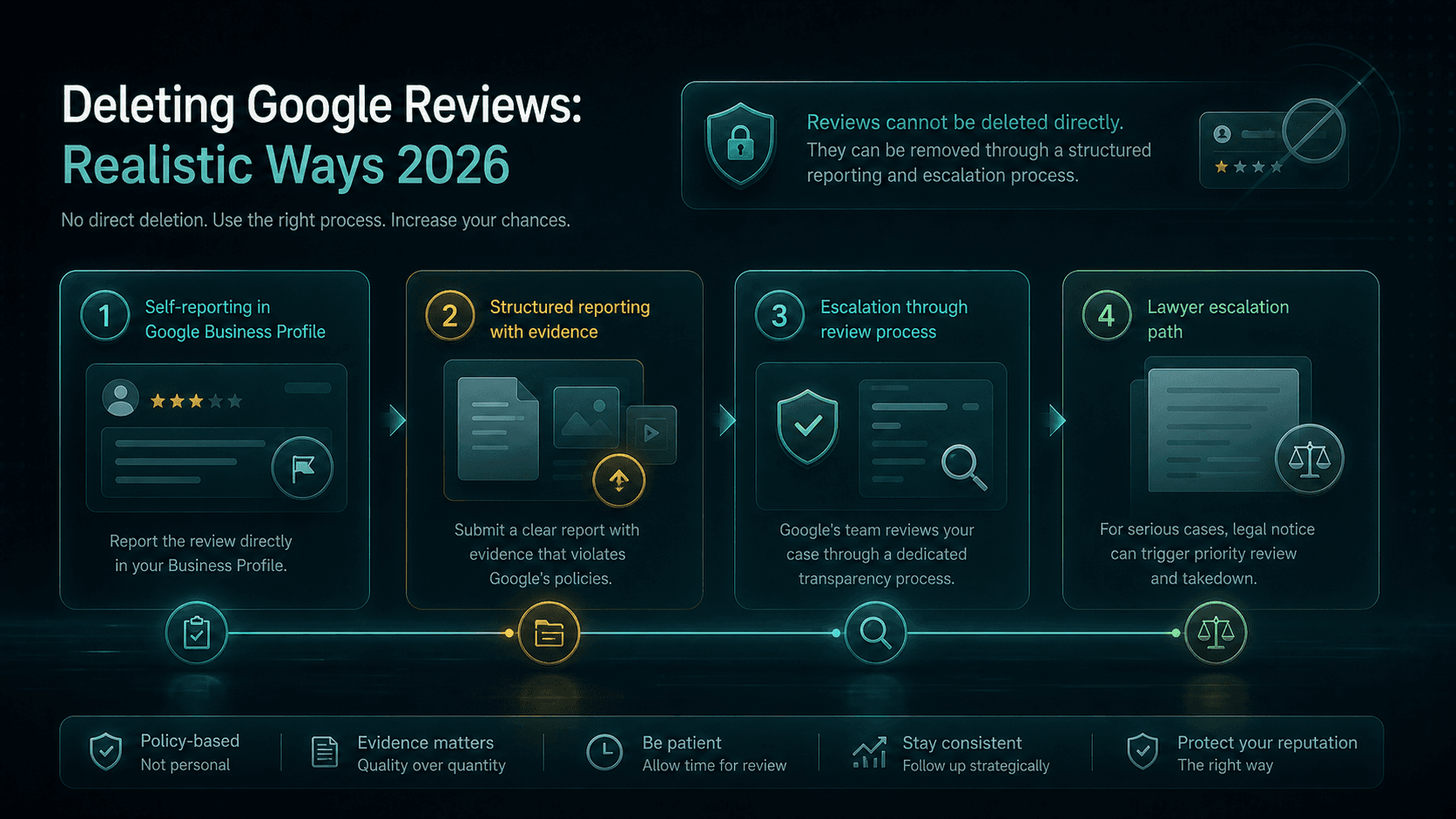
You cannot remove or delete third-party Google reviews yourself. But you can report non-compliant reviews to Google – for example fake reviews, lack of customer contact or insults. Google reviews each report and decides on removal independently. There is no guarantee.
Three routes lead to a report: report yourself, a lawyer or a removal agency. Google alone decides on every report – no route guarantees removal.
„Have it removed“ sounds like a service provider doing it for you. In reality Google always decides – no one can guarantee removal.
What you can do: report non-compliant reviews. With Sternehero you select the review, confirm the lack of customer contact, and the software submits your report.
This is cheaper and faster than a lawyer – and you keep full control.
02Reasons
Which reviews you can report
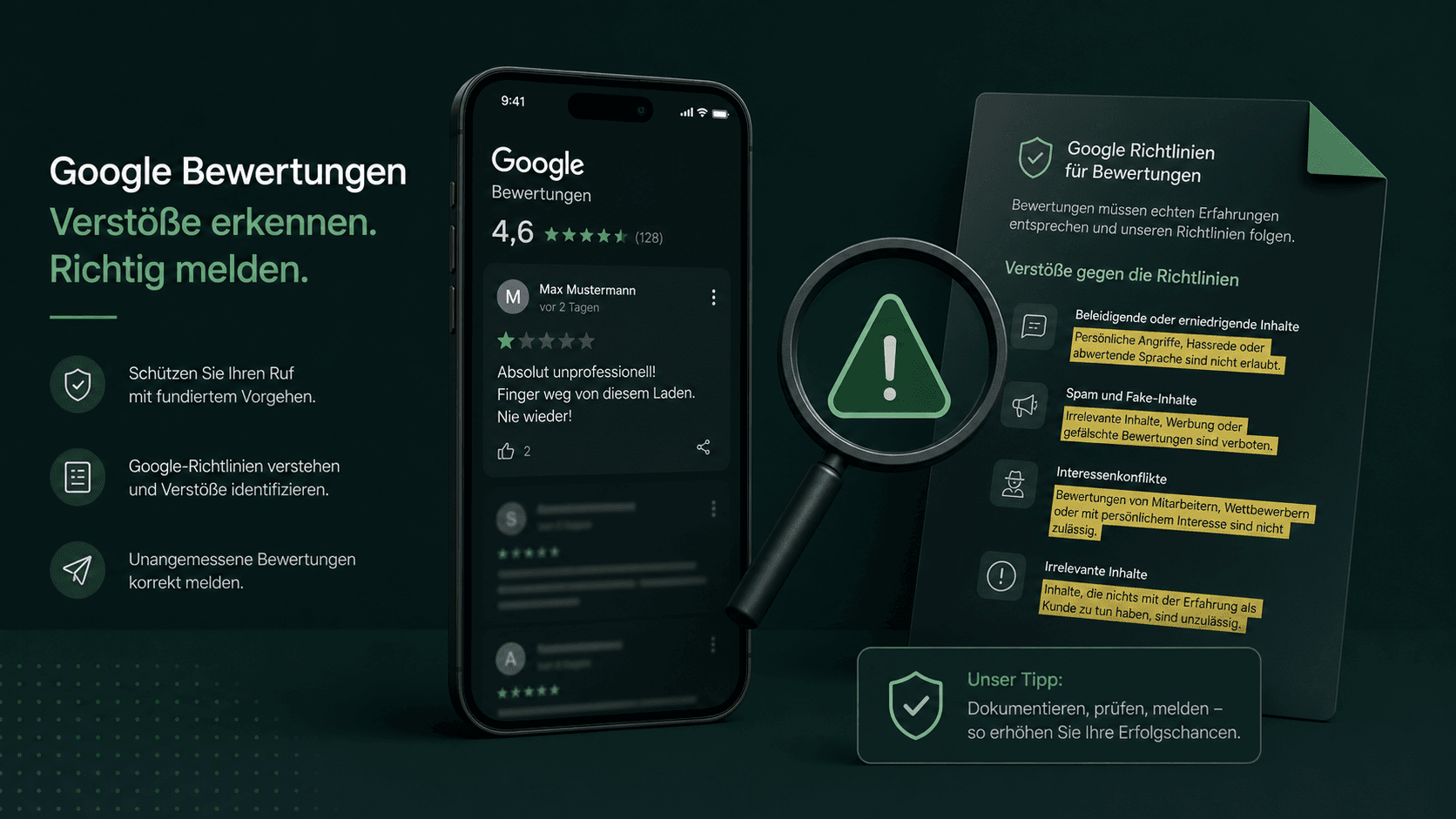
These violations of the Google guidelines can be submitted for reporting.
No customer contact
The review is from a person who was never a customer.
Fake review
Forged or bought review without a real experience.
Insult / abuse
Disparaging statements without factual basis.
Conflict of interest
Review from competitors or former employees.
Spam / advertising
Advertising, links or off-topic content.
False facts
Demonstrably untrue claims about your business.
03Process
How to report a review
- 1
Connect your profile
You connect your Google Business Profile.
- 2
Select the review
You select the non-compliant review.
- 3
Confirm no customer contact
You confirm that there was no customer contact.
- 4
Report & track
The software submits your report to Google – you track the status.
04Speed
>80%
Over the last 12 months, Google removed more than 80% of the reports submitted via Sternehero within 15 minutes.
In individual cases the review takes a few days. The decision rests solely with Google.
05Comparison
Paid service provider or self-service tool?
Review service providers usually handle the report for a fee. Sternehero automates the reporting process as a self-service tool at fixed prices per credit. In both cases Google decides whether the review is removed.
| Criterion | Other providerstypical market offers | With SterneheroSelf-service tool |
|---|---|---|
| Commissioning | Request by email or phone, often with follow-up questions | Reported yourself in a few clicks |
| Pricing structure | Pricing model and amount vary by provider, often only on request | Fixed price per credit, visible upfront: from €7 per submission* |
| Status of your reports | You often wait for a response | Status of every report in the dashboard |
| Control | You often hand over the process | You select every report yourself |
| Who decides? | Google.No provider changes that. | |
* in the 250 package, net plus 19% VAT. The comparison refers to typical market offers from review service providers; individual providers may differ. You can still report reviews directly to Google yourself. The decision on every report rests solely with the respective platform.
06Start free
Start free with 1 free credit
You create an account, connect your Google Business Profile and submit your first report, entirely without payment details. You only buy credits once you actually need them.
- No subscription required
- Free credit valid for 30 days
- Purchased credits never expire
For agencies
Do you manage several businesses?
Agencies report reviews for their clients centrally and under their own brand – with the Pro white-label plan.
White label with your own domain is included in the Pro plan. The reseller program starts via a waitlist.
You cannot remove third-party reviews yourself. You can report non-compliant reviews to Google. Google reviews and decides on removal independently. There is no guarantee.
No. For non-compliant reviews without customer contact you can report yourself – without a lawyer or agency. For complex legal cases a specialist lawyer can make sense.
For example fake reviews, lack of customer contact, insults, conflicts of interest, spam or false statements of fact.
Google reviews many reports automatically and often decides within minutes – in individual cases the review takes a few days.
With Sternehero you report from €7 per credit (1 credit = 1 report submission). One free credit to start. Credits never expire.
No. The decision lies solely with Google. Sternehero automates the submission – the outcome is determined by Google.
No matching question found. Ask us directly.
Guides
Related guides
 Reporting a Google Review: The Complete Self-Service Guide for 2026Read the guide
  Google Review Policy Violation: The 9 Reasons and 3 Checks Before Every ReportRead the guide
  Getting a Google Review Removed: Realistic Paths in 2026Read the guide
Related pages
This topic in context: the sister pages of this guide.
Ready in a few minutes
Non-compliant review? Report it yourself now.
Start with one free credit – no lawyer, no agency.
- 01Create an account
- 02Connect your Google profile
- 03Submit your first report, in a few minutes
Sternehero does not provide legal advice. The decision whether a review is removed rests solely with the respective platform.